Your small business depends on productive meetings, whether you’re presenting to clients, collaborating with remote team members, or conducting training sessions. The right conference room AV equipment makes the difference between a professional, efficient meeting and a frustrating technical disaster that wastes everyone’s time. This checklist covers everything you need to create a functional, reliable conference room setup that grows with your business.
Small businesses in the Phoenix metro area face unique challenges when outfitting conference spaces. Budget constraints, limited technical staff, and the need for equipment that works reliably without constant maintenance require a thoughtful approach to selecting and installing AV technology.
Display Technology and Screen Size
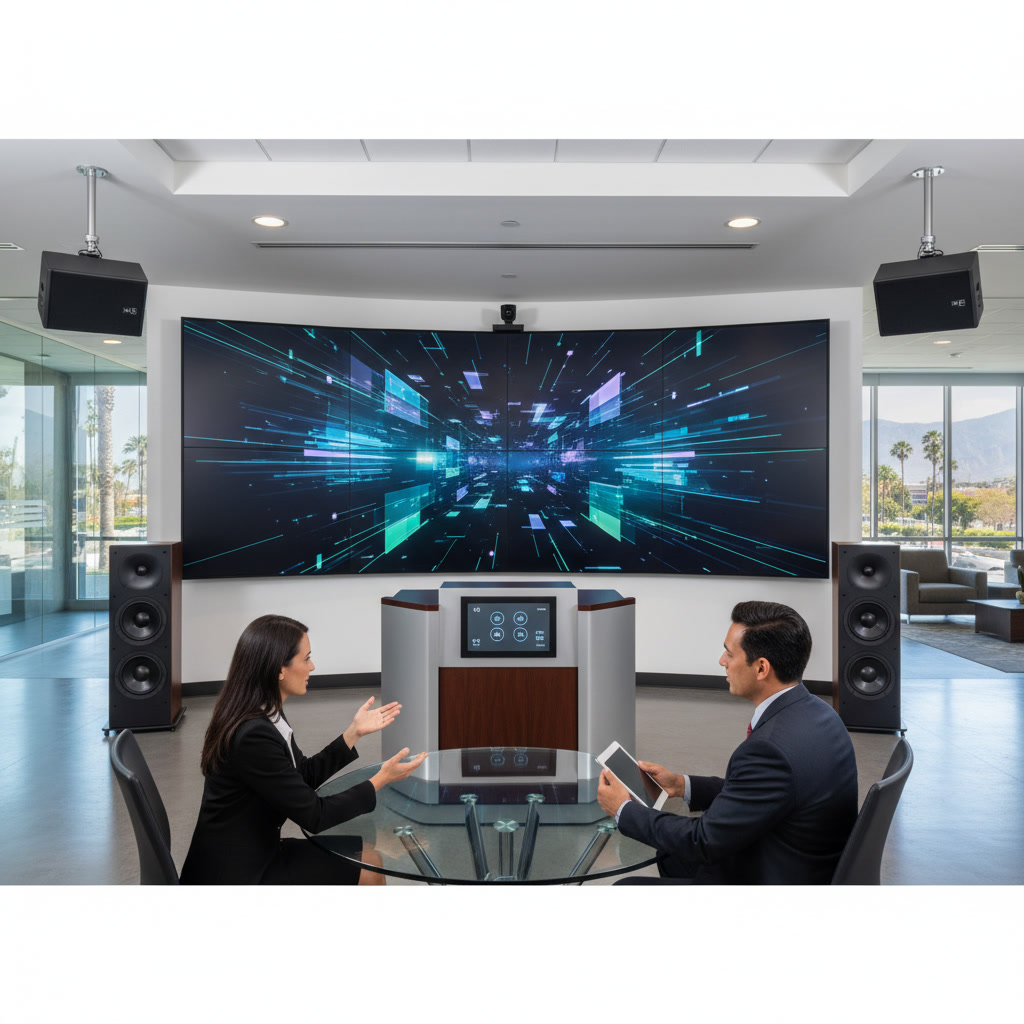
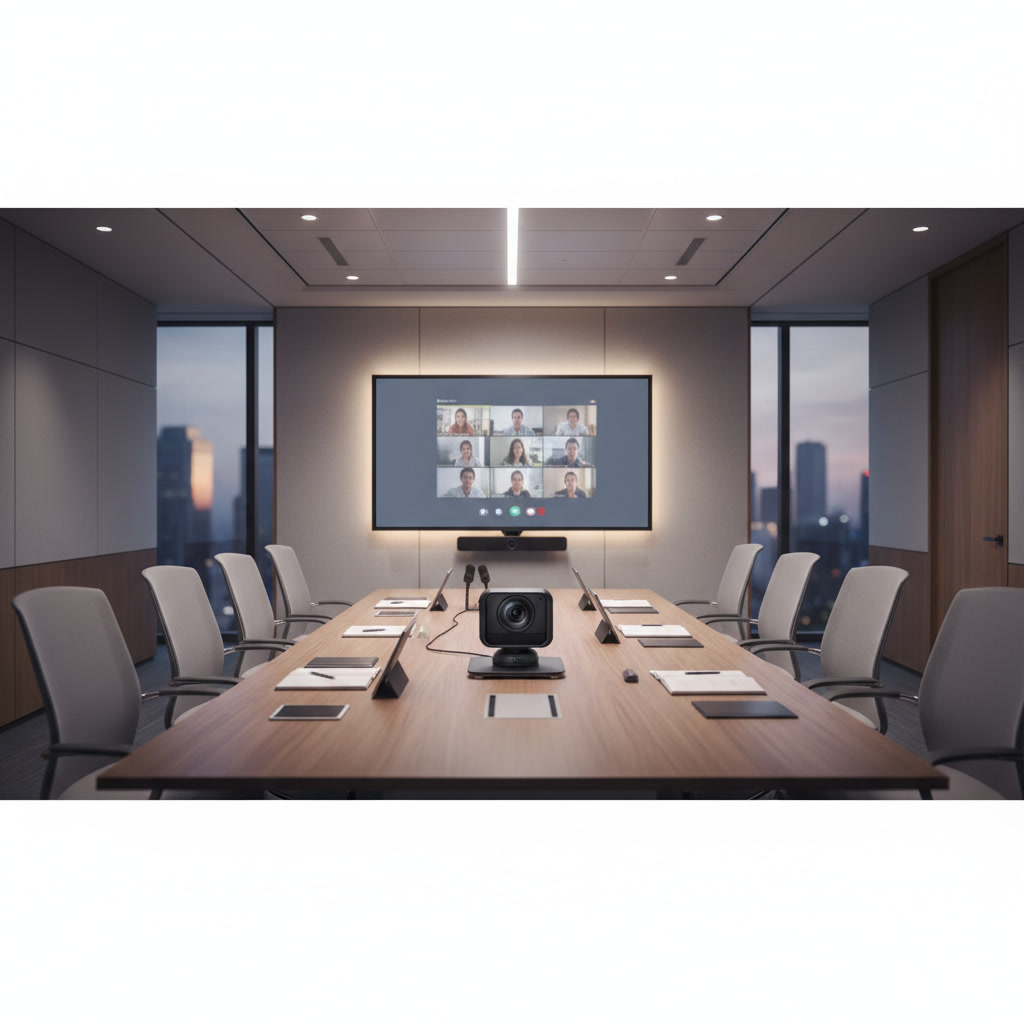
The display is the centerpiece of any conference room setup. For spaces seating six to eight people, a 55-inch to 65-inch display provides adequate visibility. Larger rooms seating 10 or more participants need 75-inch or larger screens, or consider a projector setup with a 100-inch or larger projection surface.
Modern LED displays offer several advantages over older projector technology. They provide consistent brightness in rooms with windows, require no lamp replacements, and deliver sharper images for text-heavy presentations. Choose a display with 4K resolution to ensure small text remains readable from any seat in the room.
Mount your display at the appropriate height. The center of the screen should sit at eye level for seated viewers, typically 42 to 48 inches from the floor. Professional Commercial AV installation ensures proper positioning and secure mounting that meets building codes.
Pro Tip: Avoid placing displays directly opposite windows where glare creates viewing problems. If window placement is unavoidable, budget for motorized shades that can darken the room during presentations.
Audio System Components
Clear audio matters more than most business owners realize. A 4K display means nothing if participants can’t hear remote attendees or if your microphone picks up every keyboard click and air conditioning noise.
Microphone Selection
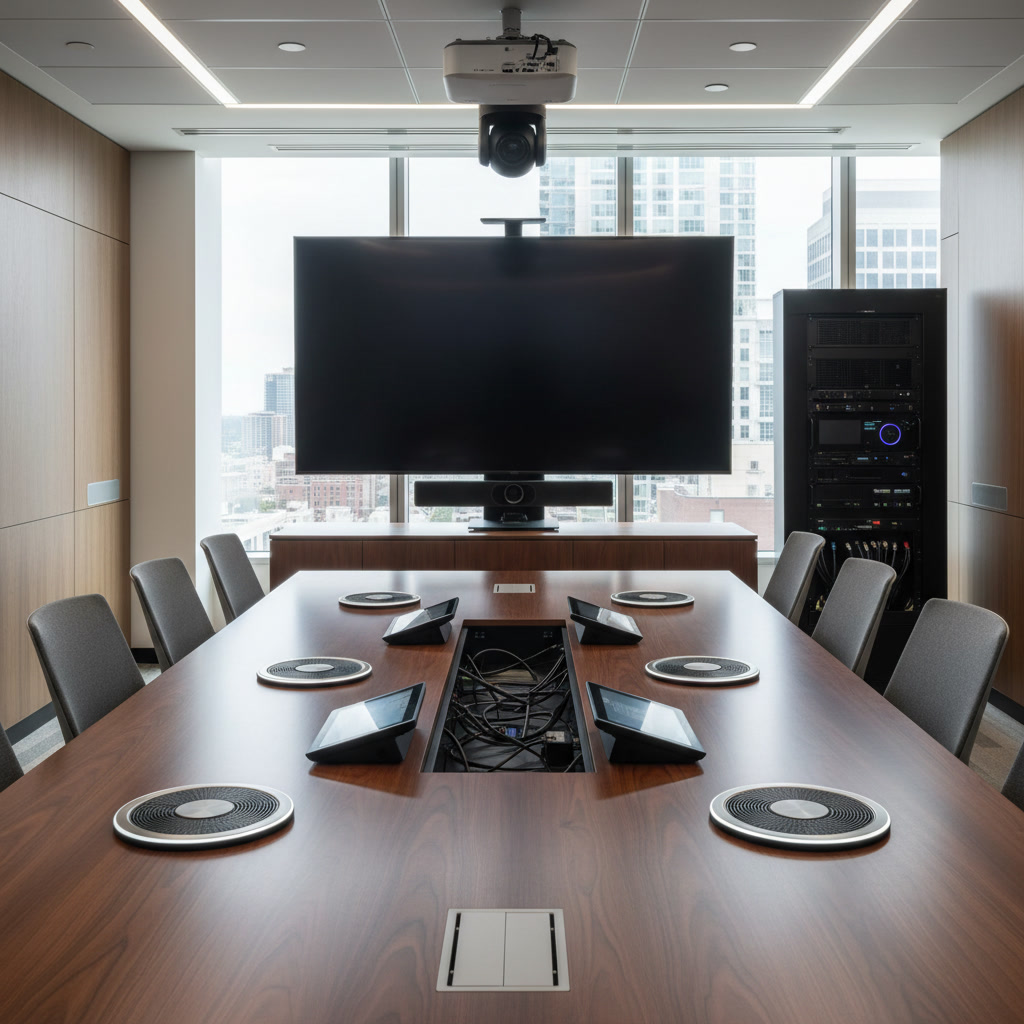
Conference rooms under 200 square feet can use a single tabletop speakerphone with omnidirectional microphones. Larger spaces require ceiling-mounted microphone arrays or multiple boundary microphones positioned around the table. These systems use beamforming technology to focus on active speakers while minimizing background noise.
Avoid relying on laptop microphones for business meetings. They pick up fan noise, typing, and often fail to capture voices from across the table. Dedicated conferencing microphones provide professional audio quality that reflects well on your business.
Speaker Placement
Install speakers at the front of the room near the display. This creates a natural association between the video image and the audio source, making conversations feel more natural. For rooms longer than 20 feet, consider additional speakers to ensure even coverage.
Professional Audio Solutions include acoustic treatment planning. Hard surfaces like glass, concrete, and bare walls create echo and reverberation that degrade audio quality. Strategic placement of acoustic panels, carpeting, or sound-absorbing materials improves clarity.
Video Conferencing Camera Requirements
Remote participation has become standard in business operations. Your conference room AV equipment must include a high-quality camera that captures all in-room participants clearly.
Position cameras at eye level, mounted on or near the display. This creates natural eye contact for remote participants. Wide-angle lenses with 90 to 120-degree fields of view capture everyone at a standard conference table without requiring manual pan and tilt during meetings.
Modern PTZ (pan-tilt-zoom) cameras with AI-powered tracking automatically follow active speakers. These systems cost more upfront but create a more engaging experience for remote attendees. Simpler fixed-position cameras work well for smaller rooms where everyone sits within a predictable frame.
Resolution matters for video cameras just as it does for displays. Choose cameras capable of 1080p minimum, with 4K options becoming more affordable and providing better digital zoom capabilities when you need to focus on whiteboard content or small objects.
Control Systems and User Interface
The most sophisticated conference room AV equipment becomes useless if your team can’t figure out how to turn it on. Control systems should be simple, intuitive, and reliable.
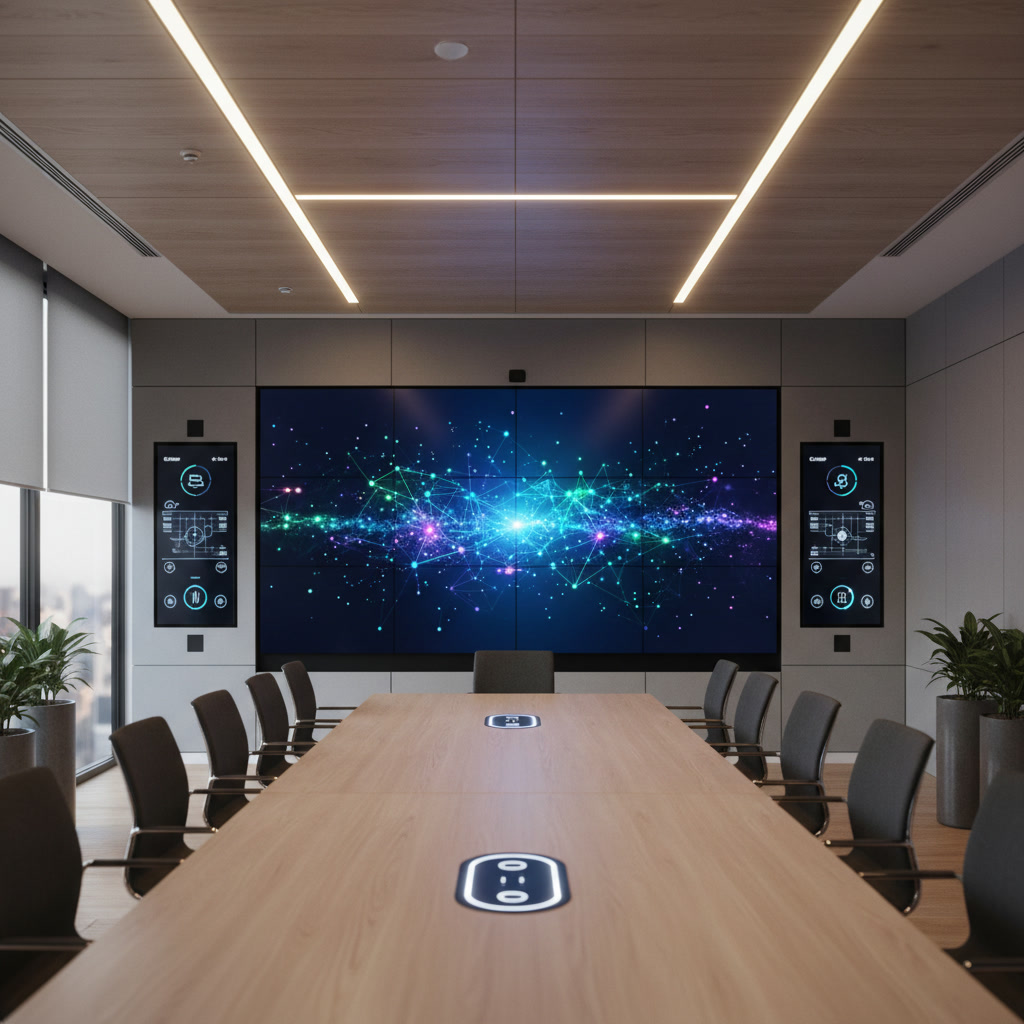
Wall-mounted touchscreen controllers provide a centralized interface for all room functions. A single press should power on the display, activate the conferencing system, and prepare the room for use. These systems can also control lighting and motorized window shades for complete room automation.
Wireless presentation systems allow participants to share content from their laptops, tablets, or phones without fumbling with cables. Technologies like Miracast, AirPlay, or dedicated solutions from manufacturers like Barco or Crestron eliminate the cable clutter that creates technical problems and delays meeting starts.
Businesses investing in Smart Homes technology for executives often want similar automation in commercial spaces. The same principles apply: simplified control, reliable operation, and systems that work together seamlessly.
Network Infrastructure and Connectivity
Modern conference room AV equipment depends on robust network connectivity. Video conferencing, wireless presentation, and cloud-based meeting services all require adequate bandwidth and reliable connections.
Hardwire your display, conferencing system, and control equipment using gigabit Ethernet whenever possible. Wired connections provide more stable performance than WiFi, eliminating dropout issues during critical presentations or client meetings.
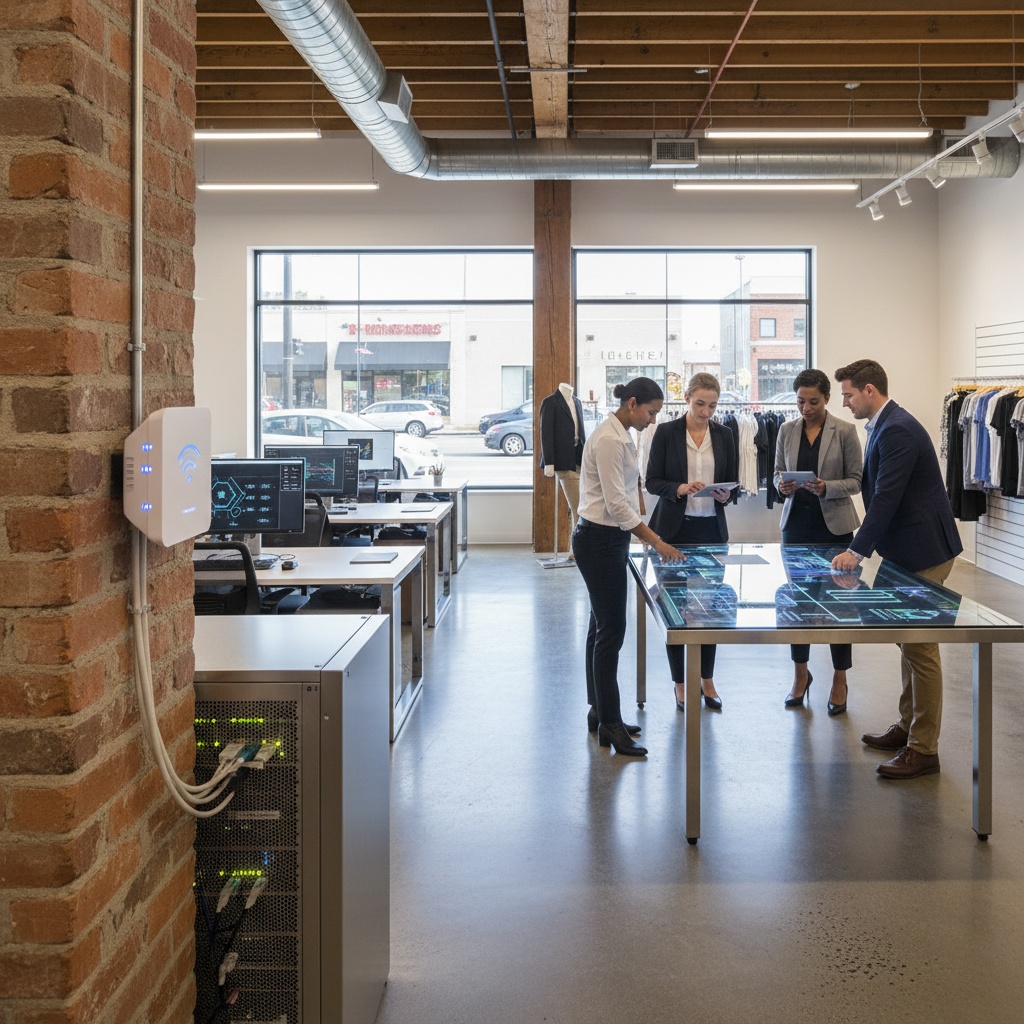
For wireless connectivity, ensure your conference room receives strong WiFi coverage. Professional Wifi Network Solutions include dedicated access points positioned to provide optimal coverage in meeting spaces. Guest networks should be separated from your business network for security while still providing adequate bandwidth for visitor presentations.
Plan for adequate bandwidth. A single 1080p video conference can use 2 to 4 Mbps of upload and download bandwidth. Budget for multiple simultaneous connections, large file transfers, and cloud application access. Many small businesses find that 100 Mbps symmetric connections provide adequate capacity for a single conference room plus regular office operations.
Key Takeaway: Network issues cause more meeting disruptions than any other technical problem. Invest in proper infrastructure before installing your AV equipment, not after problems arise.
Cable Management and Power Distribution
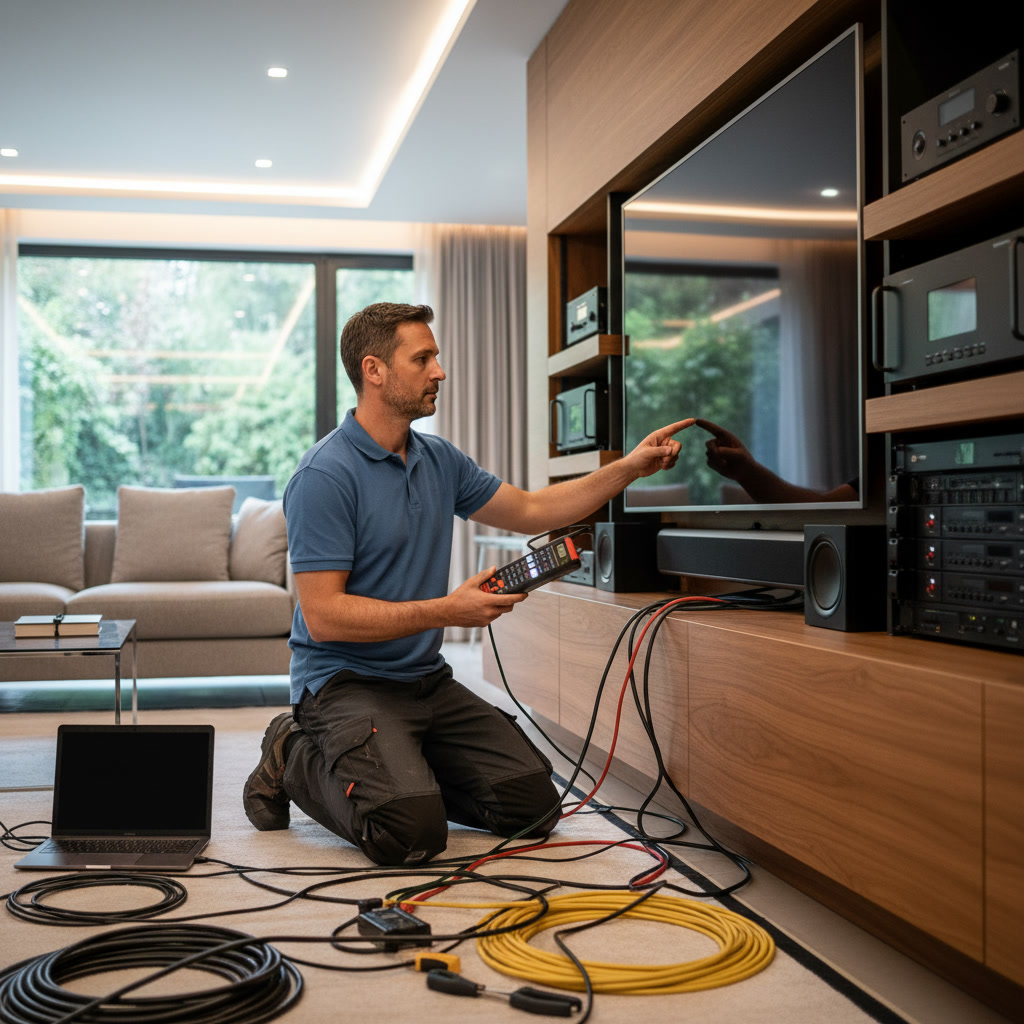
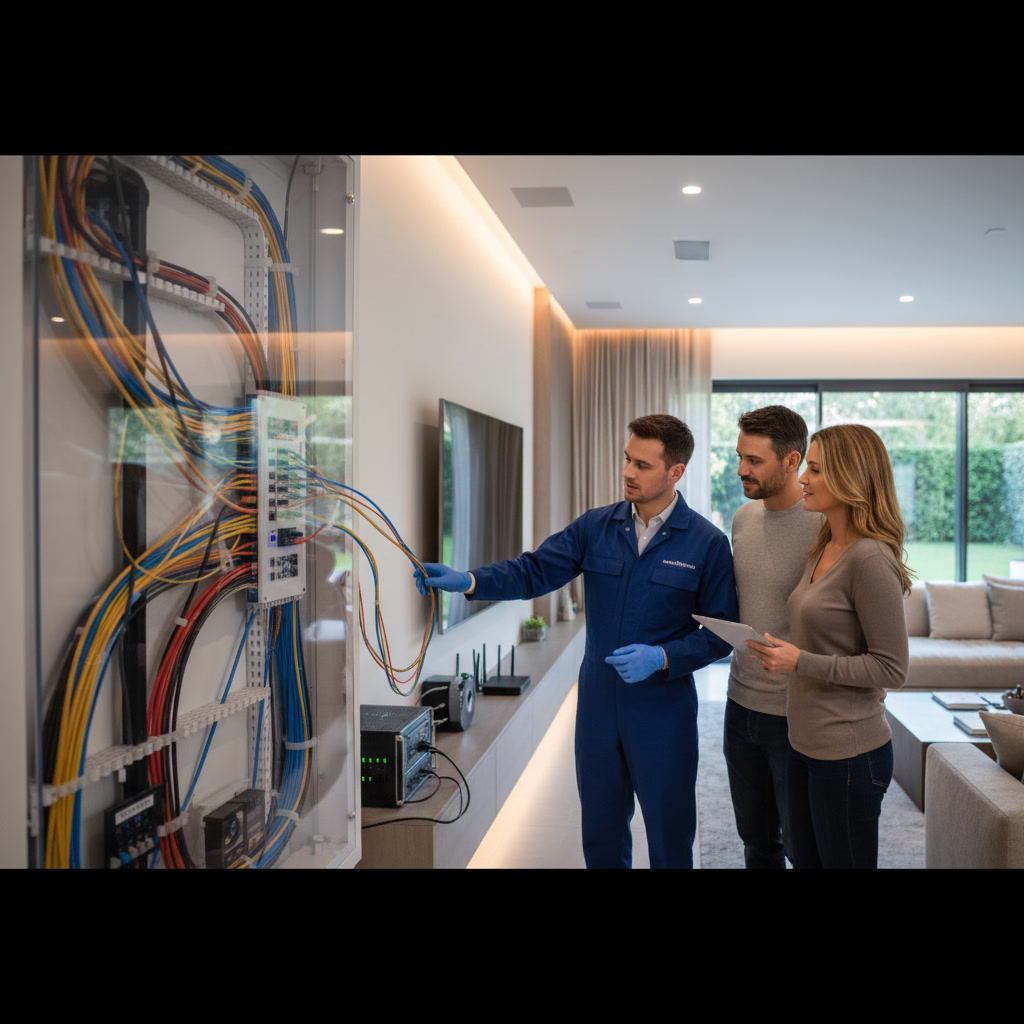
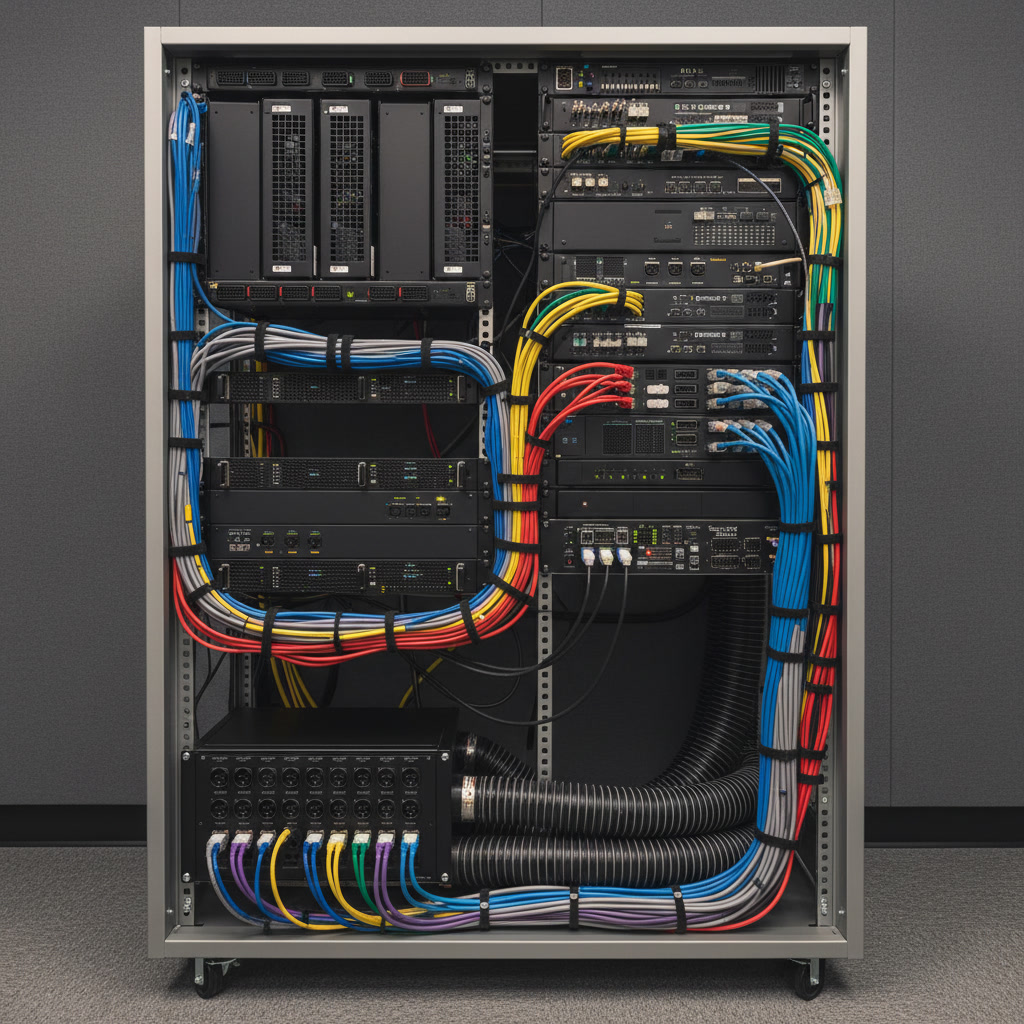
Professional installations hide cables inside walls, under floors, or in ceiling spaces. Exposed cables create trip hazards, look unprofessional, and are more likely to become damaged or disconnected.
Conference tables need accessible power and data connections. Floor boxes, table-mounted outlets, or overhead drops provide power access without cables running across floors. Include both standard electrical outlets and USB charging ports to support laptops, phones, and tablets.
HDMI cables over 25 feet often experience signal degradation. For longer runs, use active HDMI cables, fiber optic HDMI extenders, or HDBaseT systems that run over Cat6 cabling. These solutions maintain signal quality and support 4K resolution without compression or latency.
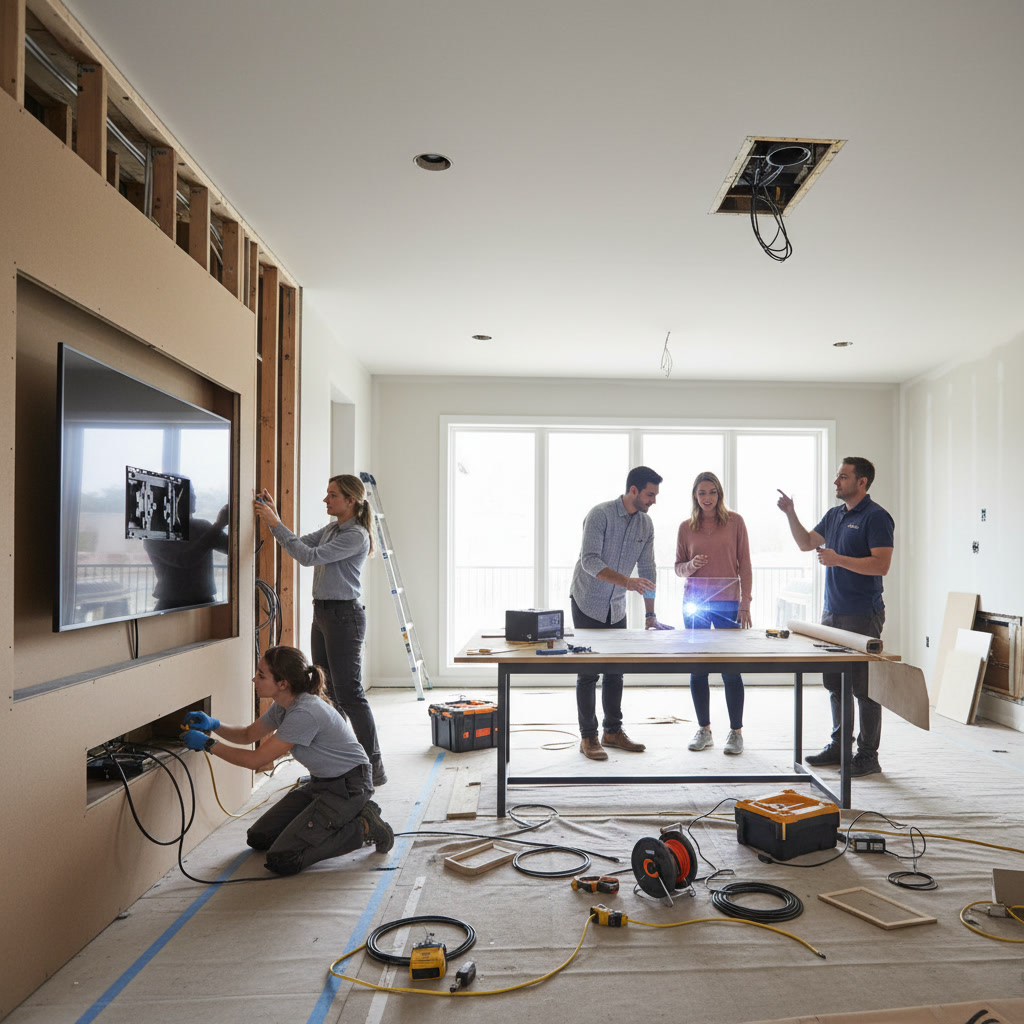
Work with experienced professionals who understand commercial building codes and proper installation techniques. Cities throughout the Phoenix area including Mesa, Scottsdale, and Glendale enforce specific requirements for commercial AV installations.
Optional Enhancements and Future-Proofing
Beyond the core conference room AV equipment, several additions can improve functionality and extend the useful life of your investment.
Motorized Window Treatments
Automated shades eliminate glare on displays and create a professional appearance. Program them to close automatically when presentation mode activates, then open when meetings end. This simple addition prevents the common problem of presenters struggling with manual blinds while clients wait.
Digital Whiteboarding
Interactive displays or digital whiteboards allow natural collaboration with automatic capture and sharing of notes and diagrams. These systems integrate with conferencing platforms to share whiteboard content with remote participants in real time.
Room Scheduling Displays
Wall-mounted tablets outside conference rooms show availability and allow quick booking. Integration with calendar systems like Outlook or Google Calendar prevents double-booking and helps teams find available meeting space efficiently.
Recording Capabilities
Some businesses need to record meetings for training, compliance, or documentation purposes. Plan for recording infrastructure including adequate storage, automatic uploading to cloud services, and proper microphone placement to capture all participants clearly.
Maintenance and Support Considerations
Even the best conference room AV equipment requires occasional maintenance and troubleshooting. Plan for ongoing support as part of your initial budget.
Establish service agreements with your installation provider. Regular maintenance visits identify problems before they disrupt important meetings. Firmware updates, software patches, and system optimization keep equipment running smoothly.
Train multiple team members on basic operation and troubleshooting. Create laminated quick-reference guides mounted near the control system. Document your system configuration including network addresses, passwords, and vendor contact information in a secure but accessible location.
Many businesses underestimate the importance of professional installation and support. While consumer-grade equipment from big box stores costs less upfront, it lacks the reliability, support, and integration capabilities that business environments demand.
Frequently Asked Questions
How much should a small business budget for conference room AV equipment?
A basic professional setup for a small conference room starts around $5,000 to $8,000 including display, conferencing system, basic audio, and installation. Mid-range systems with better cameras, advanced audio, and control systems run $10,000 to $20,000. High-end installations with premium components and extensive automation can exceed $30,000. The investment scale should match your meeting frequency and the importance of professional presentation to your business operations.
Can we install conference room AV equipment ourselves to save money?
While technically possible, DIY installation rarely saves money when you account for troubleshooting time, potential equipment damage, and the cost of eventually hiring professionals to fix problems. Professional installers ensure proper mounting, code compliance, optimal audio and video quality, and reliable system integration. They also provide warranties and ongoing support that DIY installations lack.
What video conferencing platform should we use with our AV equipment?
Most professional conference room AV equipment works with all major platforms including Zoom, Microsoft Teams, Google Meet, and Webex. Choose your platform based on what your clients and partners use most frequently, not based on AV equipment limitations. Quality conferencing hardware connects to computers or tablets running any conferencing application.
How do we prevent our conference room technology from becoming outdated quickly?
Choose equipment with modular components that can be upgraded individually rather than replacing entire systems. Use standard protocols like HDMI, USB, and network connectivity rather than proprietary connections. Select manufacturers with strong track records of supporting products with firmware updates. Plan to refresh cameras and computers every three to five years while displays, audio systems, and infrastructure often last seven to ten years.
What ongoing costs should we expect after the initial installation?
Budget for annual service agreements covering maintenance and support, typically 10 to 15 percent of the initial installation cost. Video conferencing platform subscriptions range from $15 to $30 per month per host. Network bandwidth costs depend on your existing internet service. Some businesses also invest in extended warranties or equipment replacement plans.
Creating Your Professional Conference Space
The right conference room AV equipment transforms how your small business conducts meetings, presents to clients, and collaborates with remote team members. Start with the core components on this checklist: a properly sized display, professional audio system, quality camera, reliable network connectivity, and intuitive controls. Add enhancements that address your specific needs and budget for professional installation that ensures everything works together reliably.
Pro Home Entertainment LLC provides complete commercial AV solutions for businesses throughout the Phoenix metro area. Our team designs, installs, and supports conference room technology that delivers reliable performance without the complexity that frustrates users. From initial consultation through ongoing maintenance, we ensure your meeting spaces reflect the professionalism your business demands.
Contact us at +12068194038 to discuss your conference room requirements. We serve businesses in Phoenix, Mesa, Scottsdale, Glendale, and surrounding communities with the expertise and support that keeps your technology working when you need it most.