Your customers expect fast, reliable internet the moment they walk through your door. Employees need stable connections to process transactions, manage inventory, and communicate with clients. Yet many Peoria retail stores and offices struggle with dead zones, slow speeds, and security vulnerabilities that hurt productivity and customer satisfaction. Understanding business WiFi requirements is the first step toward building a network that supports your operations instead of hampering them.
This guide breaks down the specific network requirements for Peoria businesses, covering bandwidth calculations, equipment selection, security measures, and installation best practices. Whether you’re opening a new location or upgrading an existing system, you’ll learn what it takes to deploy commercial-grade WiFi that scales with your business.
Why Consumer WiFi Equipment Fails in Business Environments
The router you use at home won’t cut it in a commercial setting. Consumer equipment typically supports 10 to 20 simultaneous connections before performance degrades. A small retail store might see 30 to 50 devices during peak hours when you account for customer phones, employee devices, point-of-sale systems, security cameras, and inventory scanners.
Business WiFi requirements demand equipment rated for high-density environments. Commercial access points handle 50 to 100+ concurrent connections while maintaining consistent speeds. They also support features essential for business operations like VLAN segmentation, guest network isolation, and centralized management across multiple locations.
Temperature tolerance matters too. Consumer routers fail when placed in ceiling spaces or near windows where Arizona heat builds up. Commercial-grade equipment operates reliably in temperatures from 32°F to 122°F, making it suitable for challenging Peoria installation environments.
Calculating Bandwidth Requirements for Your Business
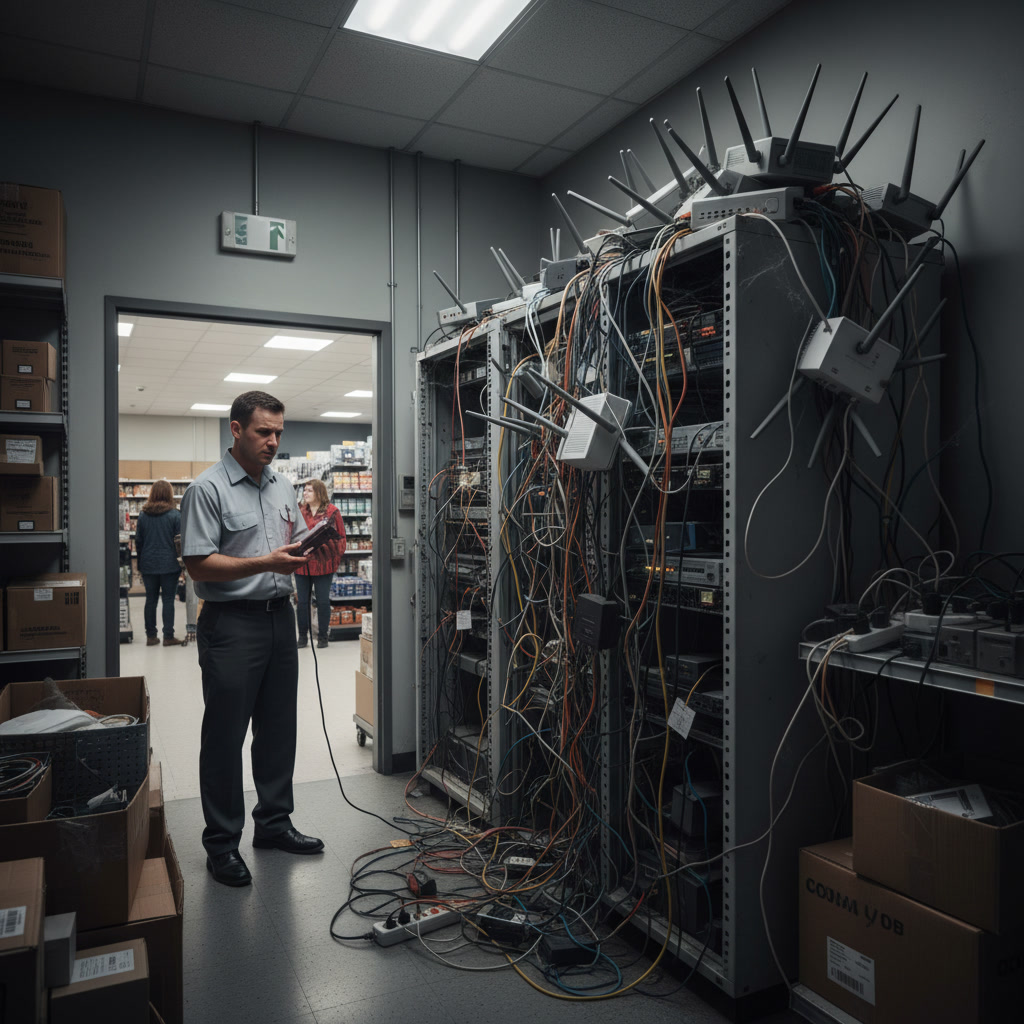
Start by identifying every device that will connect to your network. Point-of-sale terminals, security cameras, VoIP phones, computers, tablets, printers, smart thermostats, and door access systems all compete for bandwidth alongside customer and employee smartphones.
A typical retail transaction requires 1 to 2 Mbps for cloud-based POS systems. Security cameras need 2 to 8 Mbps per camera depending on resolution and frame rate. VoIP calls consume roughly 100 Kbps per line. Office applications like email and web browsing average 5 to 10 Mbps per user during normal operation.
Peak Usage Planning
Design your network for peak demand, not average usage. Black Friday or lunch rush traffic can triple your normal device count. Add a 30 to 50 percent buffer above your calculated peak to prevent slowdowns during unexpected surges.
For a 2,000-square-foot retail store with four employees, eight security cameras, two POS terminals, and capacity for 20 customer devices, you’d need approximately 150 to 200 Mbps of total bandwidth. An office of similar size with 10 workstations, video conferencing equipment, and cloud-based software would require 200 to 300 Mbps.
Pro Tip: Business internet service level agreements differ significantly from residential plans. Commercial packages guarantee uptime and speed minimums, while residential service offers no such guarantees. This reliability matters when every minute of downtime costs you sales.
Access Point Placement and Coverage Planning
A single access point typically covers 2,500 to 5,000 square feet in open spaces, but that range drops dramatically when you factor in walls, metal fixtures, inventory, and building materials. The steel studs common in commercial construction can reduce WiFi range by 30 to 50 percent compared to residential wood framing.
Meeting business WiFi requirements means conducting a proper site survey before installation. Walk your space with WiFi analysis tools to identify interference from neighboring networks, dead zones behind shelving or storage areas, and high-traffic locations where multiple access points should overlap.
Strategic Placement Guidelines
Mount access points on ceilings when possible for optimal 360-degree coverage. Wall mounting works in narrow spaces like hallways but creates coverage gaps behind the unit. Keep access points at least 15 feet apart to prevent interference between units broadcasting on the same channels.
Avoid placing access points near metal HVAC ducts, fluorescent lighting, or microwave ovens, which generate interference on the 2.4 GHz band. Position units away from exterior walls to prevent signal waste and potential security risks from extending coverage into parking lots or neighboring businesses.
Pro Home Entertainment designs commercial WiFi installations for businesses throughout the Peoria area, using professional site surveys and enterprise-grade equipment to eliminate dead zones and ensure consistent coverage.
Network Security Requirements for Commercial WiFi
Security breaches cost small businesses an average of $200,000 according to IBM security research. Your WiFi network represents a primary attack vector if not properly secured. Business WiFi requirements must include multiple layers of protection to safeguard customer data, financial information, and operational systems.
Network Segmentation
Separate your network into distinct segments using VLANs. Your POS terminals and office computers should operate on a secure internal network isolated from guest WiFi. Security cameras and access control systems belong on their own VLAN, preventing compromised IoT devices from accessing business-critical systems.
Guest networks need complete isolation from internal resources while still providing internet access. This separation ensures that a malware-infected customer phone can’t reach your inventory database or accounting software.
Authentication and Encryption
WPA3 encryption is now the minimum standard for business networks. Older WPA2 protocols contain vulnerabilities that skilled attackers can exploit. Enable 802.1X authentication for employee devices, requiring individual credentials rather than a shared password that might be written on a sticky note in the break room.
Implement MAC address filtering as an additional layer for fixed devices like POS terminals and printers. While not foolproof, it adds another hurdle for unauthorized access attempts. Change default administrator passwords on all network equipment immediately after installation, using passwords of at least 16 characters with mixed case, numbers, and symbols.
Our WiFi network solutions include security configuration as standard, implementing enterprise-grade protocols that protect your business without creating friction for legitimate users.
Power Over Ethernet and Infrastructure Considerations
Commercial access points typically use Power over Ethernet technology, receiving both data and electrical power through a single network cable. This approach eliminates the need for power outlets near every access point, simplifying installation and reducing costs.
PoE requires a network switch that supports the 802.3af or 802.3at standards, delivering 15.4W or 30W per port respectively. Higher-end access points may need PoE+ (802.3at) to power their additional radios and processing capabilities. Calculate your total PoE budget when selecting switches to ensure you can power all planned access points plus room for expansion.
Cabling Standards
Cat6 cabling should be your minimum standard for new installations. While Cat5e technically supports gigabit speeds, Cat6 provides better interference resistance and future-proofing for 10-gigabit applications. Cable runs longer than 295 feet require fiber optic connections or intermediate switches to maintain signal integrity.
Professional installation ensures cables meet building codes and avoid interference sources. Poorly routed cables near electrical conduits or fluorescent lighting can cause intermittent connection problems that are difficult to diagnose after walls are closed.
Businesses in Glendale, Mesa, and surrounding areas benefit from working with experienced installers familiar with local building codes and commercial construction requirements.
Key Takeaway: Infrastructure investments in proper cabling and PoE switches reduce long-term maintenance costs and enable easy upgrades as WiFi standards evolve. Cutting corners on infrastructure creates technical debt that becomes expensive to fix later.
Managed Network Solutions and Remote Monitoring
Business WiFi requirements extend beyond initial installation to ongoing management and monitoring. Cloud-managed network systems let you monitor performance, apply security updates, and troubleshoot problems from any location without visiting each physical site.
Modern enterprise WiFi controllers provide real-time visibility into connected devices, bandwidth consumption, and network health. You can identify bottlenecks before they impact operations, blacklist problematic devices, and generate usage reports for capacity planning.
Automatic Failover and Redundancy
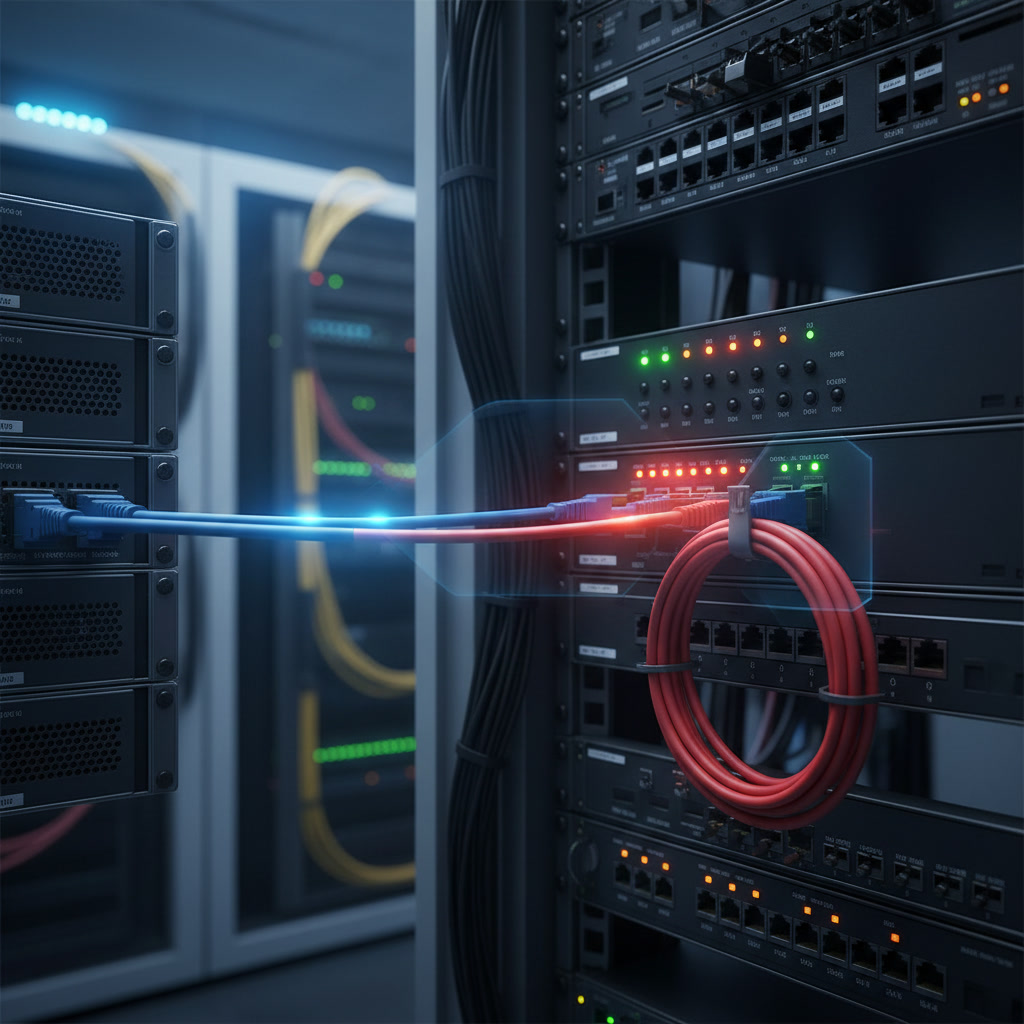
Internet connectivity is critical for retail operations. Automatic failover systems switch to backup connections when your primary internet fails, keeping POS terminals and cloud services operational. This redundancy typically uses a secondary internet provider or cellular backup connection that activates within seconds of detecting an outage.
Consider implementing dual access points in critical areas. If one unit fails, the second maintains coverage until replacement or repair. This redundancy matters most in high-traffic areas like checkout counters where connectivity loss directly impacts revenue.
Compliance and Industry-Specific Requirements
Businesses handling payment cards must comply with PCI DSS standards, which mandate network segmentation, encryption, and regular security audits. Healthcare offices dealing with patient information need HIPAA-compliant networks with additional access controls and logging requirements.
Retailers using customer analytics or WiFi-based marketing must post privacy notices and obtain consent where required by law. These systems track device MAC addresses to analyze foot traffic patterns and dwell times, triggering disclosure obligations under various privacy regulations.
Documentation Requirements
Maintain network diagrams showing access point locations, switch configurations, VLAN assignments, and IP address schemes. This documentation proves invaluable during troubleshooting, audits, or when working with new IT contractors. Include firmware versions, password policies, and change logs to demonstrate security due diligence.
Professional installers should provide complete documentation as part of their service. If you’re reviewing proposals, ask what documentation is included and whether ongoing support covers security updates and configuration changes.
Similar to our approach for commercial AV installations, comprehensive documentation ensures smooth handoffs and simplifies future expansions or modifications.
Cost Considerations and Return on Investment
Budget approximately $300 to $800 per access point for commercial-grade equipment from reputable manufacturers like Cisco, Ubiquiti, or Ruckus. Add $200 to $500 per access point for professional installation including cabling, mounting, and configuration. A typical 3,000-square-foot location needs two to three access points depending on layout and construction.
Network switches range from $500 for basic managed switches supporting a few access points to $3,000+ for full-featured switches handling dozens of ports with advanced PoE and management capabilities. Factor in internet service costs, which run $100 to $500 monthly for business-class connections depending on bandwidth and service level agreements.
Calculating Business Value
Fast, reliable WiFi enables operational improvements that quickly offset infrastructure costs. Cloud-based POS and inventory systems reduce labor costs through automation. Customer WiFi enhances satisfaction and dwell time, translating to increased sales per visit. Remote management reduces the need for on-site IT support calls.
A single hour of network downtime costs retailers an average of $5,600 according to Gartner research. For many Peoria businesses, professional WiFi installation pays for itself by preventing just one or two outages annually.
Businesses throughout Phoenix and Scottsdale have found that investing in proper infrastructure reduces frustration, improves customer experience, and supports growth as device counts and bandwidth demands increase over time.
Frequently Asked Questions
How many access points does a typical retail store need?
Most retail stores need one access point per 2,000 to 3,000 square feet of open space, with additional units required for areas with heavy inventory, multiple rooms, or concrete walls. A professional site survey identifies the exact number based on your specific layout, building materials, and coverage requirements. Dense product displays and metal shelving reduce WiFi range significantly compared to empty spaces.
Can I use mesh WiFi systems for my business?
Consumer mesh systems lack the capacity, security features, and management tools required for business environments. While they work for small offices with minimal devices, they struggle under the connection loads typical in retail settings. Business WiFi requirements are better served by wired access points connected to a managed network infrastructure that provides predictable performance and centralized control.
What internet speed does my business actually need?
Calculate bandwidth by adding device requirements: 1 to 2 Mbps per POS terminal, 2 to 8 Mbps per security camera, 5 to 10 Mbps per office workstation, and 10 to 20 Mbps for customer WiFi. A small retail location typically needs 100 to 200 Mbps, while larger stores or offices with video conferencing require 300 to 500 Mbps. Design for peak usage with a 30 to 50 percent buffer above calculated needs.
How often should business WiFi equipment be upgraded?
Plan to upgrade access points every four to six years as WiFi standards evolve and device requirements increase. Network switches can last seven to ten years unless you need additional capacity or newer features. Regular firmware updates extend equipment lifespan and patch security vulnerabilities, making ongoing maintenance as important as the initial installation quality.
Do I need a separate guest WiFi network?
Yes, guest networks are essential for business security. They provide internet access for customers while preventing their devices from reaching internal systems like POS terminals, office computers, and security equipment. Proper guest network implementation includes bandwidth limits, usage time restrictions, and splash pages displaying terms of service to manage liability and prevent abuse.
Building WiFi Infrastructure That Supports Business Growth
Meeting business WiFi requirements means investing in commercial-grade equipment, proper installation, and robust security from day one. The network you deploy today should support not just current operations but the increased device counts and bandwidth demands you’ll face as your business expands. Professional site surveys, strategic access point placement, and managed network solutions eliminate the connectivity problems that frustrate employees and drive customers away.
Pro Home Entertainment specializes in commercial WiFi installations for Peoria businesses, delivering reliable networks that support retail operations, office productivity, and customer satisfaction. Our team handles everything from initial site surveys through equipment installation, security configuration, and ongoing management. Contact us at +12068194038 to discuss your business network requirements and schedule a consultation.